



The wallet you pick for Web3 is more than storage. It is the gateway to dApps, NFT marketplaces, token networks, and every on-chain interaction that follows, and more collectors are relying on one every year. DemandSage’s 2026 NFT statistics report counts 46.2 million active NFT wallets worldwide, up 61% year over year.
Non-custodial wallets are now preferred by roughly 74% of high-value NFT holders because they keep private keys, and therefore full control of the assets, in the collector’s own hands rather than a third party’s.
That preference for self-custody raises the bar for what a wallet needs to do well. For collectors specifically, it needs to be easy to use, secure, compatible with multiple chains, and built to handle the ERC-721 and ERC-1155 standards that power most NFTs, since a wallet that mishandles either standard can misread or fail to display an entire collection.
This article breaks down 9 wallets built for Web3 users and NFT collectors, covering their features, security tradeoffs, and who each one fits best.
MetaMask remains one of the most widely used Web3 wallets, built for Ethereum and other EVM-compatible chains. It connects users to dApps, NFT marketplaces, DeFi platforms, and token swaps directly from a browser extension or mobile app.
It’s available as both a browser extension and a mobile app, supporting Ethereum, Polygon, BNB Chain, and custom EVM networks, with a built-in dApp browser, a native token swap feature, and an NFT gallery for viewing and managing collections.
dApp compatibility is broad here, and it works well with marketplaces like OpenSea and Rarible. As a hot wallet, it stays connected to the internet, which carries more exposure than cold storage, and new users often find the interface takes some getting used to. It fits collectors who want the widest dApp and marketplace support in one wallet.
2. Coinbase Wallet
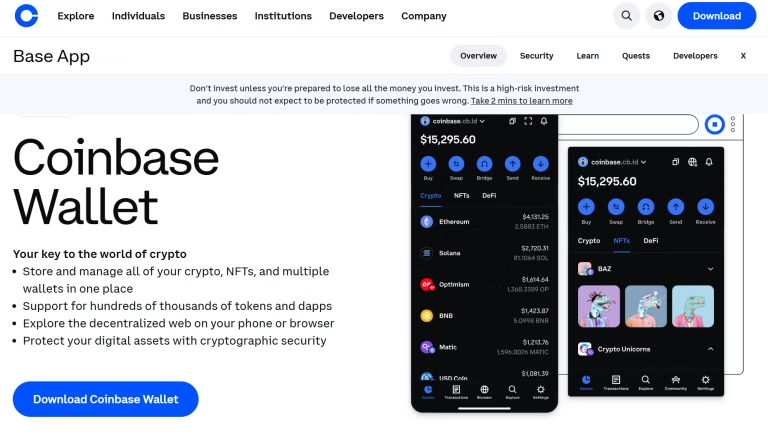
Coinbase Wallet is a self-custodial wallet that gives users control of their own private keys while staying connected to the Coinbase ecosystem. That connection makes it simple to move funds from a Coinbase exchange account into personal wallet custody.
It’s a mobile wallet with a built-in Web3 dApp browser, supporting Ethereum, Solana, and other popular chains, with NFT storage and gallery display alongside direct import of assets from Coinbase exchange accounts.
The onboarding is beginner-friendly, and Coinbase’s reputation gives new users a level of trust that lesser-known wallets do not have out of the gate. It is mostly mobile-first and less customizable than wallets built for power users. It fits newer collectors who want a simple, reliable entry point into Web3.
3. Rainbow Wallet
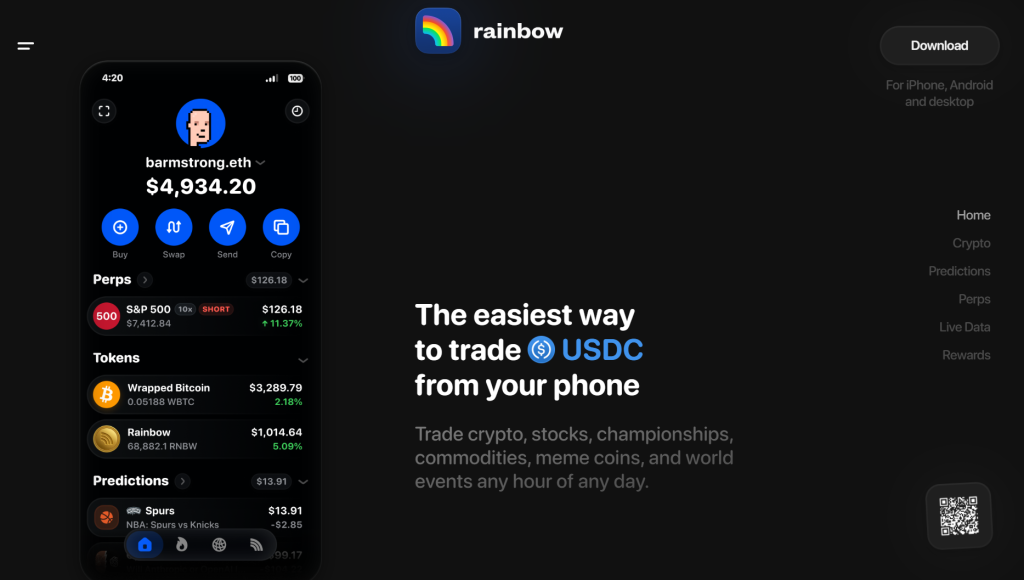
Rainbow Wallet is a mobile-first wallet built specifically with NFT collectors in mind. Its interface presents NFT collections visually, and it handles Ethereum-based dApp connections and ERC-20 token tracking without much friction.
It includes an NFT gallery designed for showcasing collections, a direct connection to Ethereum dApps, support for ETH and ERC-20 tokens, and push notifications for wallet activity.
The focus stays Ethereum-only and mobile-only, so it will not suit collectors working across multiple chains. For anyone whose collecting is centered on Ethereum, it is one of the more visually usable options available.
4. Phantom (Solana Wallet)
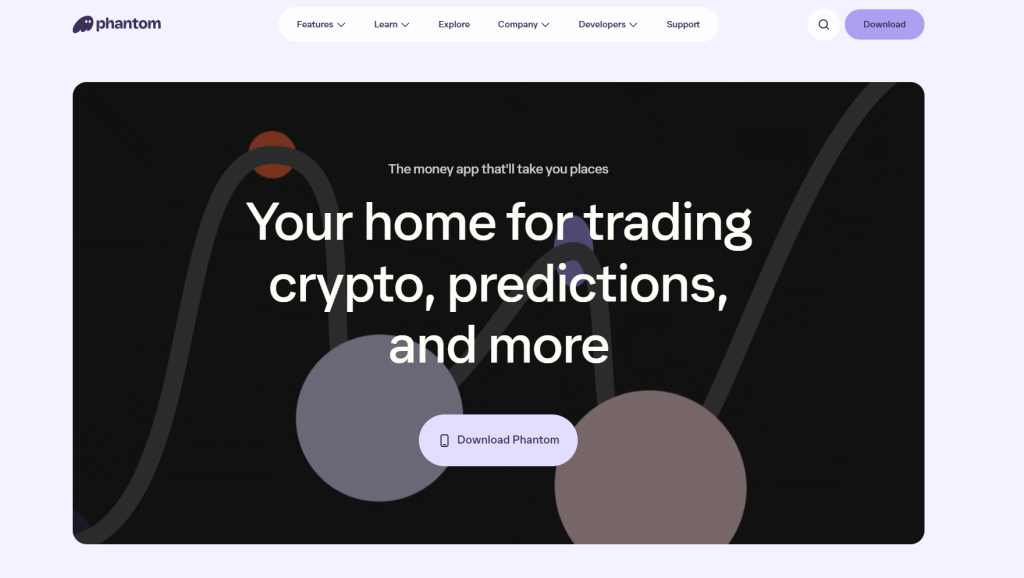
Phantom is the default wallet for most Solana users, built around fast, low-cost transactions and NFT management on Solana marketplaces like Magic Eden.
It’s available as a browser extension and mobile app, built for fast, low-fee transactions on Solana, with a native NFT gallery and in-wallet SOL staking.
Other chains aren’t part of the picture here, so it won’t fit multi-chain collectors. For anyone focused specifically on Solana NFTs and dApps, it remains one of the fastest and most reliable options on that network.
5. Trust Wallet
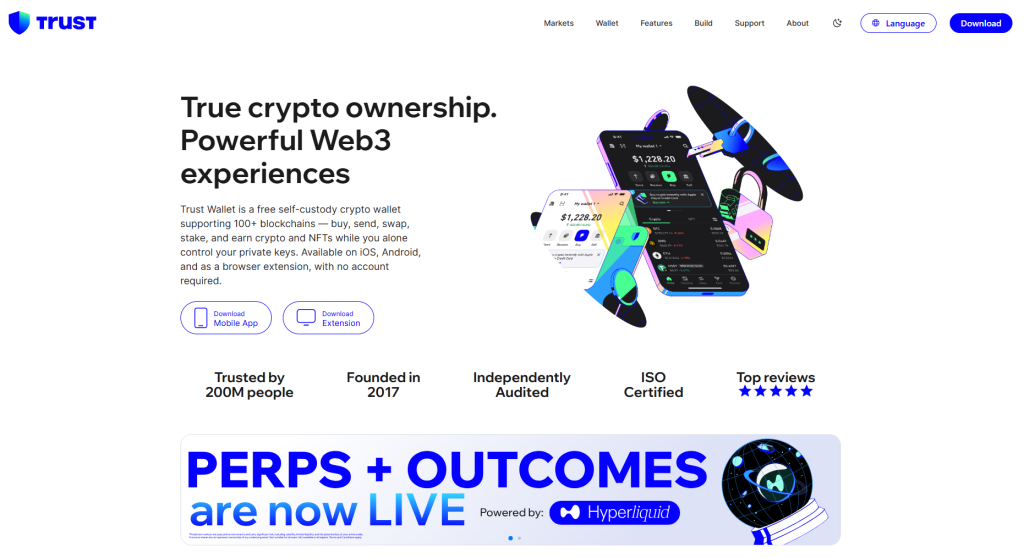
Trust Wallet is a mobile wallet with broad multi-chain support, letting users store, send, receive, and manage NFTs across several blockchains from one app.
It supports Ethereum, BNB Chain, and other chains, with NFT support through visual galleries, an integrated dApp browser, and in-app staking.
A browser extension isn’t part of the lineup, and NFT display here is less polished than dedicated NFT wallets like Rainbow. For collectors holding assets across several blockchains who want one mobile app to manage all of it, it covers more ground than most single-chain alternatives.
6. Ledger (Hardware Wallet)
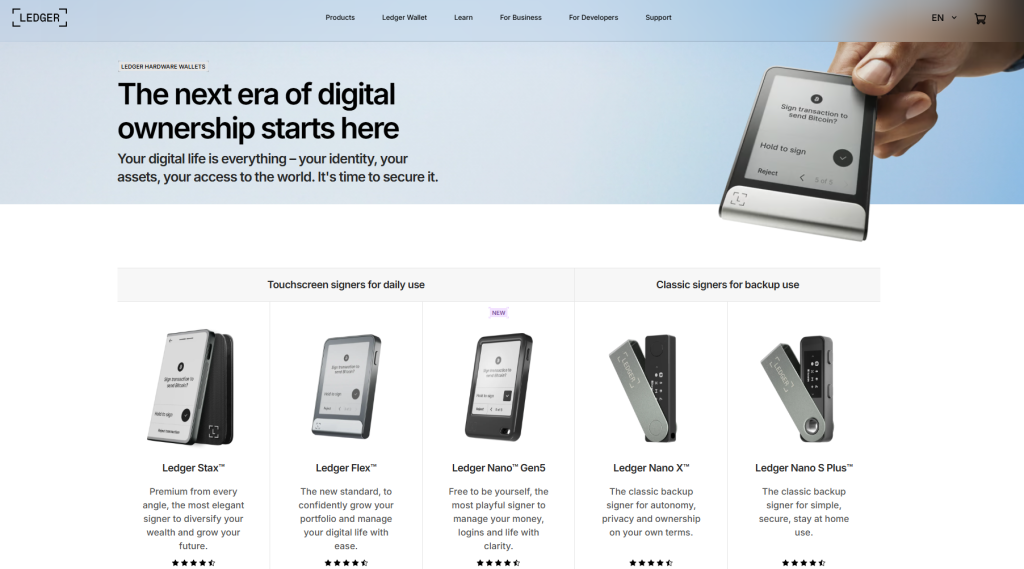
Ledger hardware wallets, including the Nano S+ and Nano X, keep private keys offline. They connect to Web3 apps through Ledger Live or by pairing with software wallets like MetaMask, letting users interact with dApps and store NFTs across chains including Ethereum and Solana.
Ledger devices keep private keys stored offline and pair with MetaMask and other software wallets through Ledger Live, staying compatible with NFTs on Ethereum, Solana, and other chains even without a direct internet connection of their own. That offline setup comes with a tradeoff: transactions take an extra step compared to a hot wallet, and the hardware itself carries an upfront cost most software wallets do not.
For collectors holding high-value NFTs or larger token balances, that tradeoff is usually worth it, especially alongside the common wallet security mistakes that put hot wallets at risk in the first place.
7. Zerion Wallet
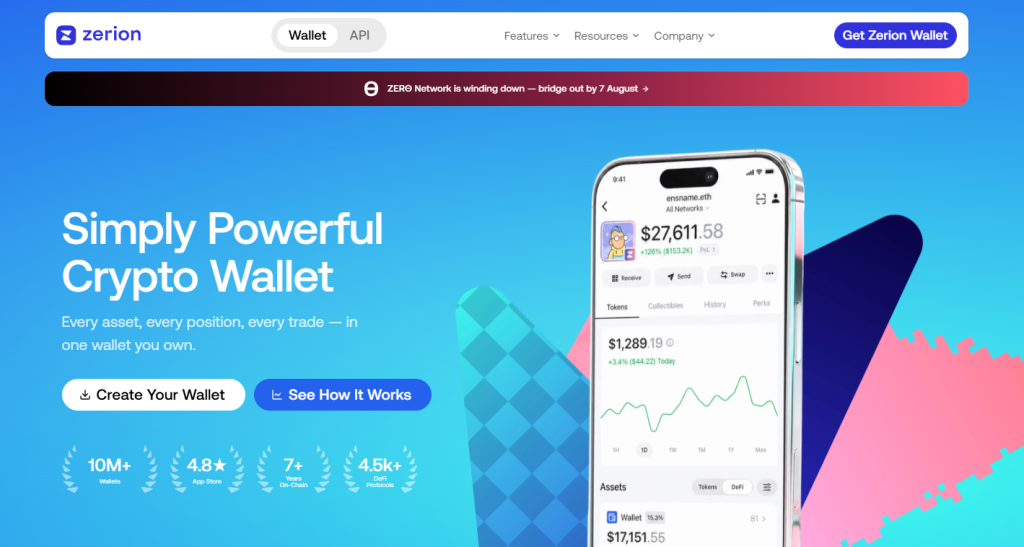
Zerion Wallet is a self-custodial, multi-chain wallet built around portfolio visibility, aggregating tokens, NFTs, and DeFi positions across more than 50 chains into one dashboard rather than requiring separate lookups per network.
It supports Ethereum, Solana, Base, Arbitrum, Optimism, Polygon, and dozens of other chains, decoding NFT holdings, staked assets, and lending positions into a readable portfolio view instead of raw contract data. Connections to dApps run through standard Web3 provider injection, and the wallet also pairs with Ledger and Trezor for cold storage.
Assets held on centralized exchanges do not show up here, so the dashboard only reflects what is on-chain in connected wallets. For collectors who hold NFTs and tokens across several networks and want one clean view of everything without checking each chain separately, it is one of the stronger portfolio-first options available.
8. imToken
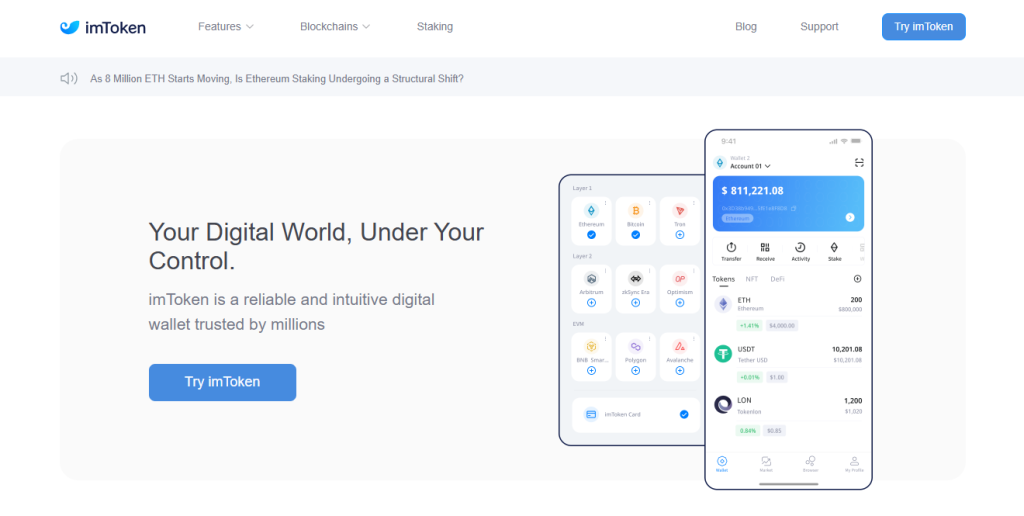
imToken is a multi-chain wallet for managing crypto, NFTs, and tokens across different blockchains from a single app, with a built-in dApp browser and cross-chain asset transfers between networks like Ethereum and BNB Chain.
It handles multi-chain asset management with a built-in dApp browser and an NFT display for viewing collections, along with cross-chain transfers between supported networks.
Tutorials and community resources are thinner here than with MetaMask or Phantom, which can make it a steeper first wallet for total beginners. For collectors who already understand wallet basics and want one app across multiple chains, it holds up well.
9. Enjin Wallet
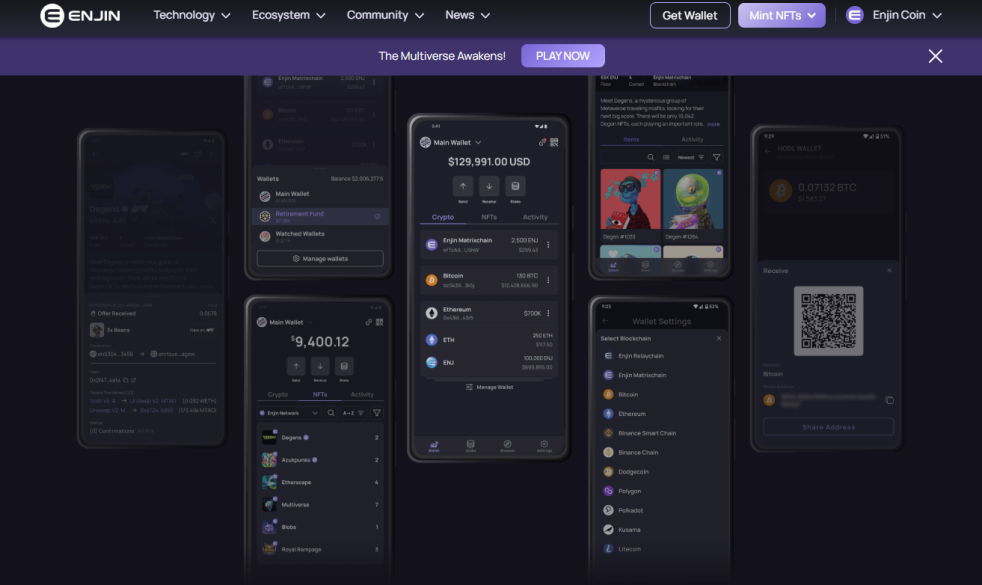
Enjin Wallet is built for NFT collectors and blockchain gamers, with multi-chain support for storing and managing digital collectibles from games and NFT projects, plus in-app token swaps and dApp connections.
It offers multi-chain support for crypto and NFTs, with NFT storage built around gaming assets and collectibles. A built-in token swap and an established reputation in gaming and NFT communities round out the package.
Enjin’s strongest use case is gaming-related NFTs specifically, so collectors focused purely on art or PFP projects may find other wallets better suited to that niche. For anyone holding in-game assets across multiple titles, it keeps everything in one place without added steps.
Choosing the Right Wallet for Your Collection
The right choice comes down to what you are doing on-chain. Hot wallets like MetaMask and Rainbow work well for day-to-day dApp use and active NFT trading. Ledger fits anyone holding high-value NFTs or larger balances they are not moving often. Multi-chain wallets like Trust Wallet, imToken, Enjin, and Zerion make sense if your collection spans more than one network, while Phantom fits collectors working within a single ecosystem, in this case Solana.
Before moving any NFTs or tokens into a new wallet, check that it currently supports the specific chain and token standard your collection uses. Wallet support for individual networks changes as ecosystems evolve, and confirming this first avoids assets landing somewhere they cannot be displayed or traded.
Whichever wallet you land on, it’s worth reviewing the wallet details you should never share with anyone, since even the most secure wallet setup can’t protect against a seed phrase or private key handed over voluntarily.
For a broader look at how these wallets stack up against other software options on the market, see our roundup of the best crypto software wallets.
Frequently Asked Questions
Still deciding between wallets? These are the questions collectors ask most often before making the switch.
Can I use more than one wallet for my NFTs?
Yes, and most active collectors do. Many people run a hot wallet like MetaMask or Phantom for daily dApp use and marketplace trading, then move higher-value pieces to a hardware wallet like Ledger for cold storage.
Do I need a different wallet for every blockchain?
Not necessarily. Multi-chain wallets like Trust Wallet, imToken, Enjin, and Zerion support several networks from one app. Chain-specific wallets like Phantom only work within their own ecosystem (Solana, in that case), so you would need a separate wallet for NFTs on other chains.
Are hot wallets safe enough for NFT collecting?
Hot wallets like MetaMask, Rainbow, and Coinbase Wallet are safe for everyday use if you protect your seed phrase and avoid signing unknown transactions. For high-value NFTs or long-term holdings, pairing a hot wallet with a hardware wallet like Ledger adds a layer of protection that software alone does not provide. Most of the real risk comes from marketplace behavior rather than the wallet itself, which is why it helps to know the common NFT marketplace mistakes that lead to drained wallets in the first place.
What happens if a wallet stops supporting a blockchain I use?
Wallet support for individual chains can change as ecosystems evolve. If a wallet drops support for a network your NFTs live on, you would need to move those assets to a wallet that still supports it before making any changes on your end. Checking current chain support before you commit to a wallet avoids this problem later.
Which wallet is best for a beginner NFT collector?
Coinbase Wallet and MetaMask are usually the easiest starting points because of their onboarding flow and wide marketplace support. Collectors who already understand wallet basics and want a more visual, NFT-focused experience often move to Rainbow or Phantom depending on which chain they collect on.


Be the first to comment