



When you want to pick the best internet service for your RV van and search it up on the internet, you’ll get tangled up in different answers with super conviction. However, the question you’re asking is wrong. It’s not the service itself, but where that service is getting its signals from. It will either be a cell tower or directly from a satellite. If you plan to travel across multiple landscapes, you will often need both.
Cell towers or cellular technology will be cheaper and faster when considered. But it can only reach certain places. That’s where satellite technology fills the gap. It reaches where towers don’t, but it will be costly in monthly charges and hardware. Even the power draw is higher. Therefore, the best setup will be the combination of both technologies if you don’t want to disconnect in the middle of your journey.
Of course, no provider is going to recommend this to you or explicitly inform you about where their service will fail to reach you. But it’s most important that you figure it out before you spend hundreds of dollars on your setup lasting years.
Cryptopolitan has covered SpaceX closely year-round, including outages and policy changes and SpaceX owns Starlink. Starlink has one such service, Roam, which is widely used by travellers, but for fixed locations, see our separate guide on Starlink Alternatives & Best Satellite Internet.

Quick Comparison
| Service | Type | Monthly cost | Hardware cost | Data policy | Can you pause it? | Power draw | Best for |
| Starlink Roam 100GB | Satellite | Roam 100GB, from $55/mo (checked Aug 24, 2026) | Mini Kit $199, or $16/mo for 12 months, plus $20 shipping | 100GB, then unlimited low-speed | Yes, Standby Mode, reported $10/mo (Starlink does not publish the price); 500 Kbps while paused | 25 to 40W average | Occasional trips, camping, getaways |
| Starlink Roam 300GB | Satellite | Roam 300GB, from $80/mo (checked Aug 24, 2026) | Mini Kit $199, or $16/mo for 12 months, plus $20 shipping | 300GB, then unlimited low-speed | Yes, Standby Mode, reported $10/mo (Starlink does not publish the price); 500 Kbps while paused | 25 to 40W average | Regular travelers, multiple trips a month |
| Starlink Roam Unlimited | Satellite | Roam Unlimited, from $175/mo (checked Aug 24, 2026) | Mini Kit $199, or $16/mo for 12 months, plus $20 shipping | Unlimited; ocean use billed by the GB | Yes, Standby Mode, reported $10/mo (Starlink does not publish the price); 500 Kbps while paused | 25 to 40W average | RVs, nomads, campers, recreational boaters |
| TravlFi 2GB | Cellular | 2GB, $19/mo (checked Aug 24, 2026) | Devices $199 to $549, plus $30 activation | 2GB; no rollover | Yes, free, no reactivation fee | Routers 7 to 24W; hotspots not published | Security systems, email, light browsing |
| TravlFi 10GB | Cellular | 10GB, $29/mo (checked Aug 24, 2026) | Devices $199 to $549, plus $30 activation | 10GB; no rollover | Yes, free, no reactivation fee | Routers 7 to 24W; hotspots not published | Day trips, light streaming, general browsing |
| TravlFi 25GB | Cellular | 25GB, $49/mo (checked Aug 24, 2026) | Devices $199 to $549, plus $30 activation | 25GB; no rollover | Yes, free, no reactivation fee | Routers 7 to 24W; hotspots not published | Weekend trips, moderate streaming |
| TravlFi 50GB | Cellular | 50GB, $69/mo (checked Aug 24, 2026) | Devices $199 to $549, plus $30 activation | 50GB; no rollover | Yes, free, no reactivation fee | Routers 7 to 24W; hotspots not published | Full week trips, multiple users |
| TravlFi 100GB | Cellular | 100GB, $89/mo (checked Aug 24, 2026) | Devices $199 to $549, plus $30 activation | 100GB; no rollover | Yes, free, no reactivation fee | Routers 7 to 24W; hotspots not published | Multi-week trips, families, streaming, work |
| TravlFi 200GB | Cellular | 200GB, $109/mo (checked Aug 24, 2026) | Devices $199 to $549, plus $30 activation | 200GB; no rollover | Yes, free, no reactivation fee | Routers 7 to 24W; hotspots not published | Month-long trips, many devices, work and play |
| TravlFi Unlimited | Cellular | Unlimited, $129/mo (checked Aug 24, 2026) | Devices $199 to $549, plus $30 activation | Above 1.2 TB reduced to 3 Mbps | Yes, free, no reactivation fee | Routers 7 to 24W; hotspots not published | Full-time, 4K streaming, remote work, gaming |
| T-Mobile AWAY 200GB | Cellular | AWAY 200GB, $120/mo (checked Aug 24, 2026) | $35 device connection charge; gateway included; free shipping; return it or pay up to $370 | 200GB, then 128 Kbps; further reduction above 1.2TB | Yes, $10/mo, 90 days at a time, twice a year | Gateway model varies; current models are roughly 10 to 14W ready-state | Professionals and large families needing data on the move |
| T-Mobile AWAY Unlimited | Cellular | AWAY Unlimited, $170/mo (checked Aug 24, 2026) | $35 device connection charge; gateway included; free shipping; return it or pay up to $370 | Unlimited; further reduction above 1.2TB | Yes, $10/mo, 90 days at a time, twice a year | Gateway model varies; current models roughly 10 to 14W ready-state | Professionals and large families needing data on the move |
| Nomad Unlimited Travel | Cellular | Unlimited Travel, $129.95/mo (checked Aug 24, 2026) | Rental modem included; Standard Protection $0; optional Advanced Protection $99.99 one-time; replacement fees apply without coverage | No published threshold; terms reserve the right to deprioritize or disconnect for excessive usage | Travel Add-On $19.95/mo, selected at activation; 90 days at a time, 180 days a year | Operating draw not published; support provided adapter no-load draw of about 0.03W, not modem operating draw | RVers, van lifers, anyone who moves locations |
The Real Decision Is Technology, Not Brand
Choosing one of the two technologies decides where you can park and still work, what you pay each month, and how much of your battery bank disappears overnight.
Satellite: coverage anywhere, higher cost, hardware to mount
This setup involves a dish that sits under the clear sky, either mounted on the rooftop of the vehicle or placed on the ground beside it if parked. It receives the signal from the satellite passing overhead. It doesn’t need nearby local signal towers of any sort. All you need is an empty valley with an open sky to go online.
This is why the coverage costs more. It usually falls between $55 and $175 a month. The power it consumes is between 25 and 40. It also requires more hardware and Starlink’s own terms warn that a permanent roof or vehicle mount can affect the roof warranty where the membrane is penetrated. The loose gear can be dangerous on the road as well.
Moreover, open sky means anything like a pine canopy, a canyon wall or a tall rig nearby can affect the signal. A 2026 research paper, “What Obstructed Skies Teach Us About Satellite Internet,” mentions that controlled testing found that physical obstructions increased round-trip latency by 4% on average and packet loss by 0.3%, while obstructed terminals connected to a different satellite about 15% of the time. So you’d better not prefer shade when travelling using satellites.
Cellular: cheaper and faster only where it reaches
Cellular uses the same network as your phone, in a box that sits on a counter. Plans start at $19 a month against satellite’s $55, hardware is smaller and cheaper, and power draw is about a third of a dish’s. T-Mobile publishes typical 5G downloads of 118 to 402 Mbps for its travel plans; Starlink publishes 65 to 260. Where the network is solid, cellular wins on all four.
The downside is the limit on the coverage area. Cellular towers are located near cities and along interstates. Suburban Chicago has 80 to 165 towers per 1,000 km², while most of Indiana’s land has fewer than ten. Move towards further remote locations and the signals can die quickly.
Coverage maps can’t be completely trusted either. The FCC says its mobile coverage map is based on propagation models and does not show indoor coverage. Actual service can vary with land network capacity and the device being used, while carrier maps may rely on different assumptions and parameters
Why most full-timers end up with both
Since both technologies fail in opposite places, carrying both becomes a viable option. This will have extra costs but a seamless service along the whole journey saves full-time income which is dependent on an internet connection. However, if you only want to stay in RV parks with hookups, cellular is enough. Going to remote locations to stay there is optimal only for satellites. A well-planned journey will decide which internet route is best suited for you.
How We Compared
The comparison follows strictly 6 criteria. First is coverage where you actually go. Whether the service reaches national parks, forest roads, and other places.
What’s the total year one cost? This is because you don’t have to pay only the monthly charges. Hardware, mounting, and activation fees also add on.
Another is the real number behind the promised “unlimited” data. There’s mostly a threshold of heavy use after which the service starts lagging. It’s important that the provider publishes that threshold. How much power the device consumes also comes under important consideration when you depend on the batteries. For fixed locations, this point is usually ignored.
Portability. Can it be stowed and set up each day, or is it permanently mounted?
Whether you can pause it. If you’re not traveling for the whole year, paying for every month counts as a dent in your pocket.
Satellite Services
Starlink Roam
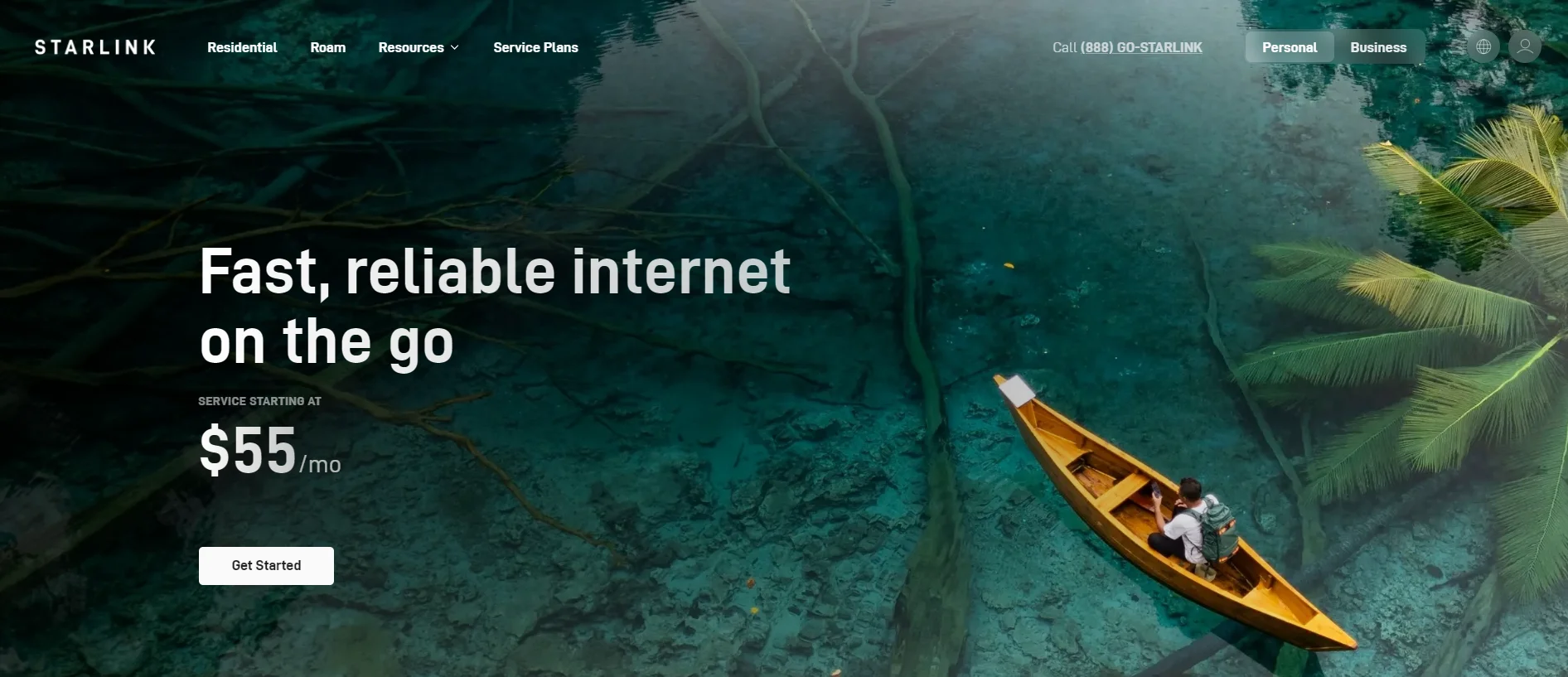
Roam is Starlink’s service for the road. The dish it uses is SpaceX hardware, a company whose government and consumer contracts Cryptopolitan covers closely.
It covers countrywide land, including coastal. The Unlimited covers more than 160 countries for up to 30 consecutive days outside the home country of the registered address. It’s available for in-motion use only in the markets Starlink has authorised. Again, the barrier between the sky and the dish counts here more than the remoteness.
Roam has three plan options with different prices. As of August 24, 2026, 100GB plan starting from $55, 300 GB from $80. Third is the Unlimited plan with a starting price of $175. As we mentioned earlier, hardware costs are separate. The Mini Kit that comes along with all three plans is for $199 as one time payment. On installments, it costs $16 per month for a year. Shipping costs are $20. With a mount and car adapter, the first year payment runs about $950 before tax.
The capped plans provide 100GB or 300GB at full speed, then unlimited low-speed data. Unlimited has no published cap on land; ocean use is billed at $2 per GB.
There is a Standby Mode that runs at 500 Kbps without surcharge for reactivation. Starlink has mentioned a small monthly fee for it, though, without a number. However, its $10 fee is widely reported.
The kit consumes 25-40 watts which is the most power draw here. Mini weighs 2.4 pounds and stows in the bag, so a permanent roof is not required.
Other satellite options for mobile use
HughesNet and Viasat are the two names you’ll usually see being mentioned as Starlink alternatives, but neither of them is tailored for RV needs.
Hughesnet says on its own site that the service isn’t available for mobile locations, and points anyone wanting mobile service to an outside reseller, which means different equipment and a different contract from the residential product you’d have been looking at. Viasat describes itself as residential satellite internet, built for households in rural areas where cable and fibre don’t reach.
Both are fixed-address services. If that’s actually what you’re after, a house or cabin rather than a rig, our separate Starlink Alternatives & Best Satellite Internet guide covers them properly.
For a vehicle, that leaves Starlink Roam and nothing else. Worth knowing before you buy, because it means satellite gives you no second supplier to fall back on if the price moves or the terms change.
Cellular and Hybrid Services
TravlFi
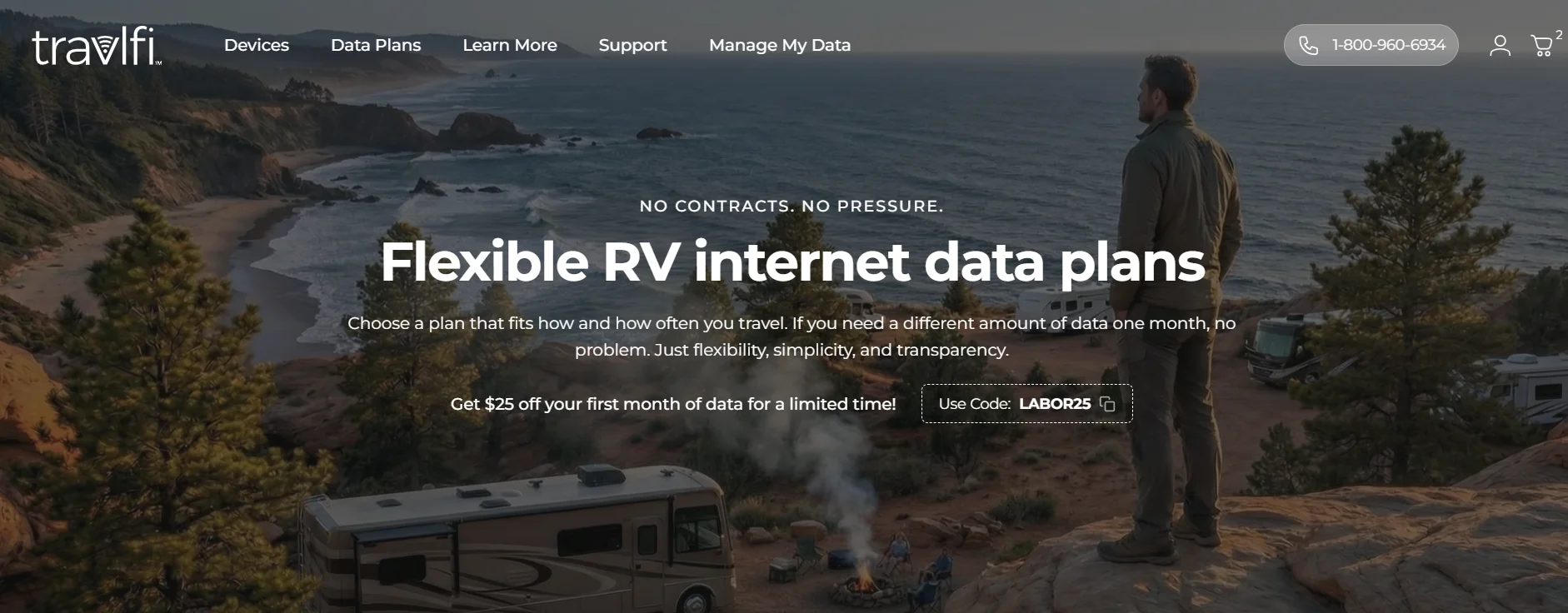
TravlFi is a multi-network service: its eSIM switches between carriers rather than tying you to one, and data is bought month to month without a contract.
Coverage spans the US, Canada and Mexico. Because the device hunts for the strongest network at each stop, it handles patchy areas better than a single-carrier plan, although TravlFi’s terms still say coverage is not guaranteed everywhere.
Seven plans, checked August 24, 2026: 2GB at $19 a month, 10GB at $29, 25GB at $49, 50GB at $69, 100GB at $89, 200GB at $109, and Unlimited at $129. Hardware is separate and yours to keep, from $199 for a hotspot to $549 for the top router, plus a one-time $30 activation fee. A mid-range 100GB setup runs about $1,300 in the first year.
Capped plans stop when the allowance is used, with no rollover and no partial-month billing. On Unlimited, usage above 1.2 TB a month may be reduced to 3 Mbps.
Pausing costs nothing. You can start, stop or change plans between months without a reactivation fee, with four business days’ notice before renewal.
Routers draw 7 to 24 watts, while the hotspots run on their own batteries for 16 to 24 hours. All of it is stowed in a drawer.
Nomad Internet
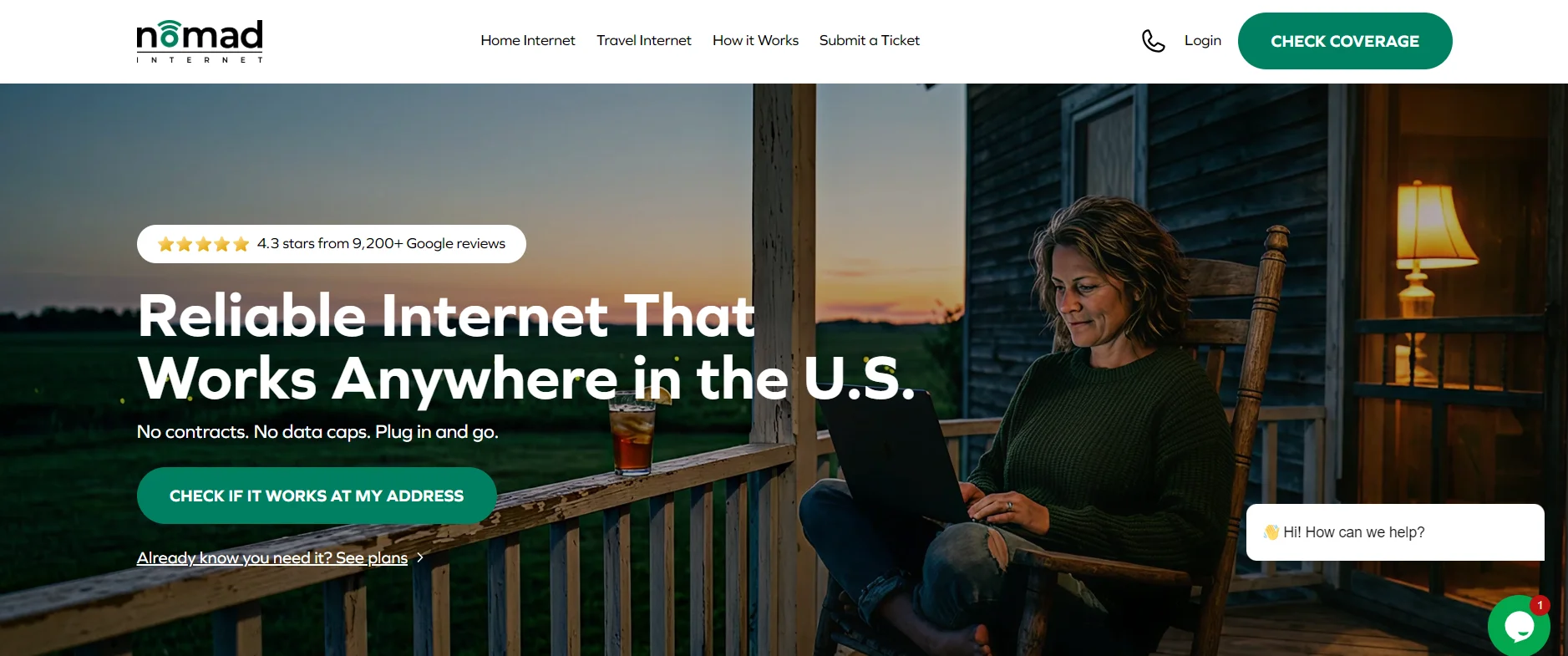
Nomad sells a single travel plan on third-party carrier networks, and the modem is rented rather than sold.
Coverage is advertised across all 50 states, but Nomad’s terms say it does not own or control the network or how carriers manage congestion. The modem’s specification page describes it as an indoor unit rated to 113°F, worth knowing for a rig parked in summer heat.
Unlimited Travel is $129.95 a month, checked August 24, 2026. The rental modem is included at no separate equipment purchase price and remains Nomad’s property. Standard Protection costs nothing. Advanced Protection is an optional $99.99 one-time upgrade covering theft, loss, accidental damage and destruction. Without that protection, replacement fees can apply if the rental modem is lost or damaged. Year-one cost is therefore twelve months of service plus any optional protection and applicable fees.
Nomad publishes no numerical data threshold. Its terms reserve the right to apply network management techniques, deprioritize or disconnect users for excessive usage, including continuous streaming.
Pausing requires the Travel Add-On at $19.95 a month, selected when the modem is activated. It allows pauses of up to 90 days at a time, with a maximum of 180 days in any 12-month period. The add-on continues to be billed while the service is paused.
Nomad does not publish the modem’s operating power draw. Support supplied a no-load figure of about 0.03 watts for the power adapter, along with adapter efficiency figures, but that is not the modem’s actual operating consumption.
T-Mobile AWAY
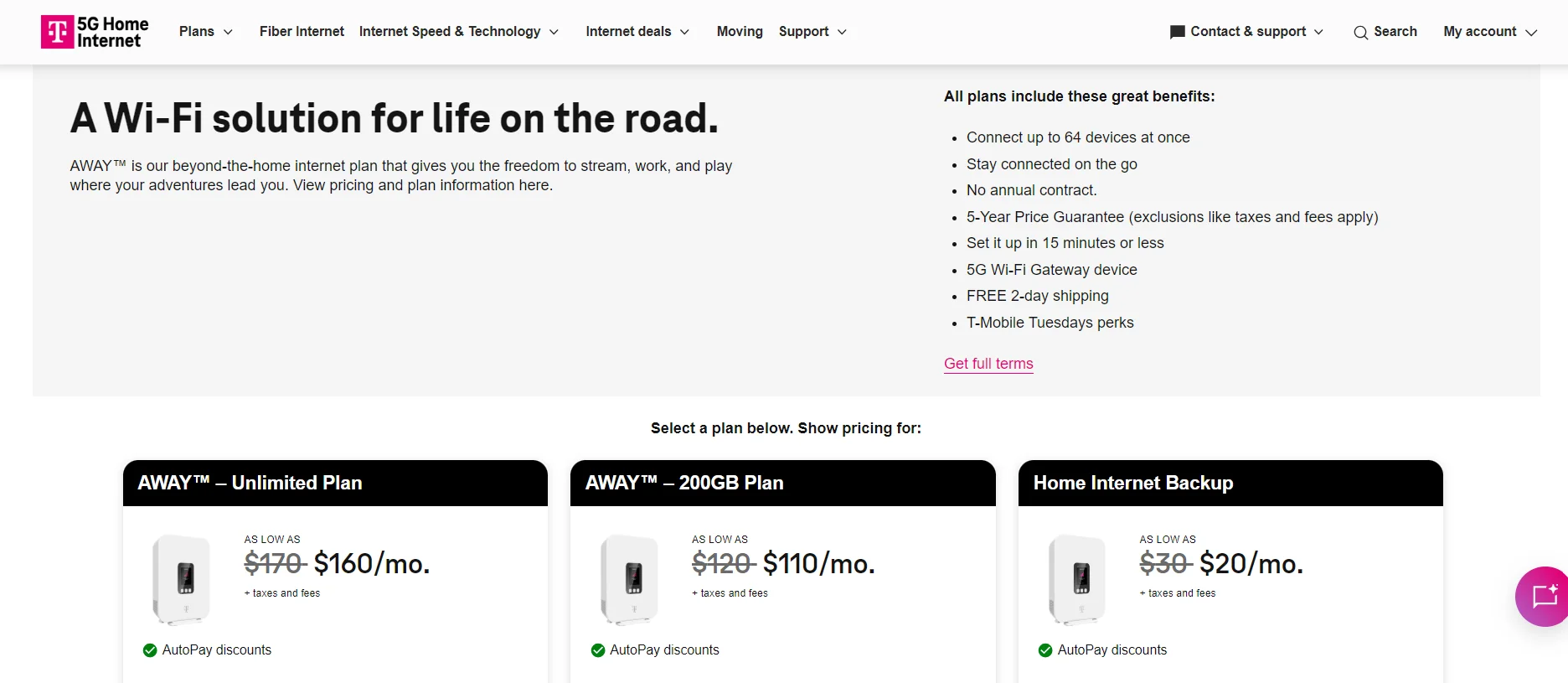
AWAY is T-Mobile’s travel product for RVs, vans and campers, running on its network through a supplied gateway.
Coverage is T-Mobile’s own footprint with no off-net roaming, so there is no partner network that T-Mobile has not built. The terms also say AWAY is for use at multiple locations rather than extended use in one place, which matters if you overwinter somewhere.
Two plans, checked August 24, 2026: AWAY 200GB at $120 a month and AWAY Unlimited at $170. Both are standard monthly rates rather than introductory prices, and each is $10 lower with AutoPay. Hardware entry cost is a $35 device connection charge with free shipping, but the gateway remains T-Mobile’s. Return it when you leave or pay up to $370. A first year on 200GB is about $1,475.
On 200GB, speeds drop to up to 128 Kbps after the allowance. On both plans, AWAY traffic may be slower than other customers’ during congestion, with a further reduction above 1.2TB a month.
Pausing costs $10 a month for up to 90 days at a time, twice a year.
T-Mobile supplies different gateway models, so power draw is not a fixed number. Current models list roughly 10 to 14 watts of ready-state consumption, depending on the gateway supplied.
Carrier hotspots and the DIY route
The last option is to skip packaged services and assemble it yourself: buy a data plan directly from a carrier for a hotspot, or use the hotspot function on a phone plan you already pay for.
Coverage is whatever your chosen carrier provides. One direct plan still ties you to one network, so a dead spot for that carrier is a dead spot for you. Some RVers get around this by carrying hotspots or SIMs from two carriers and switching when one drops out.
In a thread on Reddit’s r/RVLiving, one user reported carrying both AT&T and Verizon hotspots, while others described combining multiple cellular connections or cellular with Starlink when reliable internet mattered. That gives a DIY setup some of the redundancy of a multi-network service, but leaves you managing separate connections yourself.
Cost is the appeal. If your phone plan already includes hotspot data, the marginal cost is zero, and tethering requires no dedicated hardware.
The catch is the data policy. Hotspot allowances are often smaller than the phone plan’s own data, and speeds can drop to hundreds of kilobits or slower once the high-speed allowance is gone. Tethering can slow in the same way.
Pausing depends on your carrier’s terms. Power draw is a phone or small hotspot, making this the lightest load here, with nothing to mount.
The Hardware That Actually Matters
Buying another data plan isn’t always the fix. Once you’ve chosen cellular, satellite or both, the hardware between that signal and your laptop can make just as much difference.
A roof antenna is the simplest upgrade for cellular. It puts the antenna outside the metal shell of the RV and higher than a phone or hotspot sitting on a counter. What it can’t do is manufacture coverage. If your carrier has no usable signal at the campsite, a better antenna still has nothing to work with.
A signal booster goes a step further. WeBoost’s RV20 takes an existing cellular signal from an outside antenna, amplifies it and rebroadcasts it inside the rig for phones and hotspots. It works across US carriers and costs $549.99, checked August 26, 2026. WeBoost lists average power consumption below 20 watts. The important word is existing: a booster can rescue a weak tower signal, but it cannot turn a cellular dead zone into coverage.
Routers solve a different problem. A Peplink unit can keep cellular, campground Wi-Fi and other WAN connections behind one RV network, with models that can switch between connections when one fails. The BR1 Pro 5G draws 8 watts nominal and up to 19 watts. Winegard takes a more integrated RV approach: its $499 Gateway 5G works with the roof-mounted Air 360+ 5G antenna, supports multiple cellular carriers and can take Starlink through Ethernet as another internet source.
That makes the hardware decision simpler than the product catalog suggests. Buy an antenna or booster when a weak cellular signal is the problem. Buy a multi-WAN router when managing more than one connection is the problem. Neither replaces the underlying service, and piling expensive hardware onto a campsite with no cellular signal or no clear satellite view won’t fix the thing that’s actually missing.
Where It Doesn’t Work (Read This Before You Buy)
The easiest way to overspend on RV internet is to buy for the coverage map and ignore the campsite. Every system here has a place where it stops being useful.
Satellite fails first on obstruction. Starlink recommends a clear view of the sky and says trees, buildings and other objects can cause interruptions when satellites are blocked. RV owners report the same problem: in a 2026 Reddit thread on r/RVLiving, several full-time users said wooded sites were a recurring issue, with some choosing campsites for a clearer view.
Cellular has the opposite problem. Trees are usually manageable, but no tower means no connection. The National Park Service warns that service can vary within one park and that coverage maps are only general guides. Great Basin tells visitors to expect little to no cellular service in remote areas, while Sequoia and Kings Canyon list sections with none.
Limits can also appear after you connect. TravlFi’s Unlimited plan may fall to 3 Mbps above 1.2TB, while T-Mobile says AWAY traffic may be further reduced above 1.2TB and its 200GB plan drops to 128 Kbps after the allowance. Nomad publishes no numerical threshold for excessive-use deprioritization. T-Mobile AWAY also has no off-network roaming.
Power matters off hookups. Starlink Mini averages 25 to 40 watts, and winter can increase the load when Snow Melt mode heats the dish. Heavy rain, snow and hail can also cause temporary dropouts.
Portable hardware creates another trade-off. A ground-mounted dish can be moved out from under trees, but it leaves expensive equipment outside. A roof mount is harder to steal, but it fixes the placement and makes installation matter more.
Finally, even a good campsite cannot prevent a provider-wide outage. Cryptopolitan reported a widespread Starlink disruption in July 2025 across the US and multiple other regions. That is another reason a working RV setup benefits from redundancy rather than dependence on one connection.
Final Verdict: Build the Setup Around Where You Actually Travel
There isn’t one best RV internet service because the failure point changes with the trip. If most nights are in towns, developed campgrounds and along major highways, cellular may be enough and cost less to run. If you spend more time boondocking beyond reliable tower coverage, satellite becomes harder to replace, provided the dish has a clear sky.
For full-timers whose work depends on staying connected, the safer answer is both. Cellular covers wooded sites and populated areas; satellite takes over when useful tower coverage disappears.
Then choose the provider around your data use, hardware cost, battery capacity and whether the plan can be paused when the RV is parked. The best setup is the one whose weaknesses match the places you visit least.


Be the first to comment