



September was a big month at CoinStats. Four launches stand out: a crypto ETF tracker, a new derivatives section, real world assets across the site, and CoinStats MCP for your AI assistant. After those, a quick run through everything else we shipped.
Follow the money with the Crypto ETF Tracker
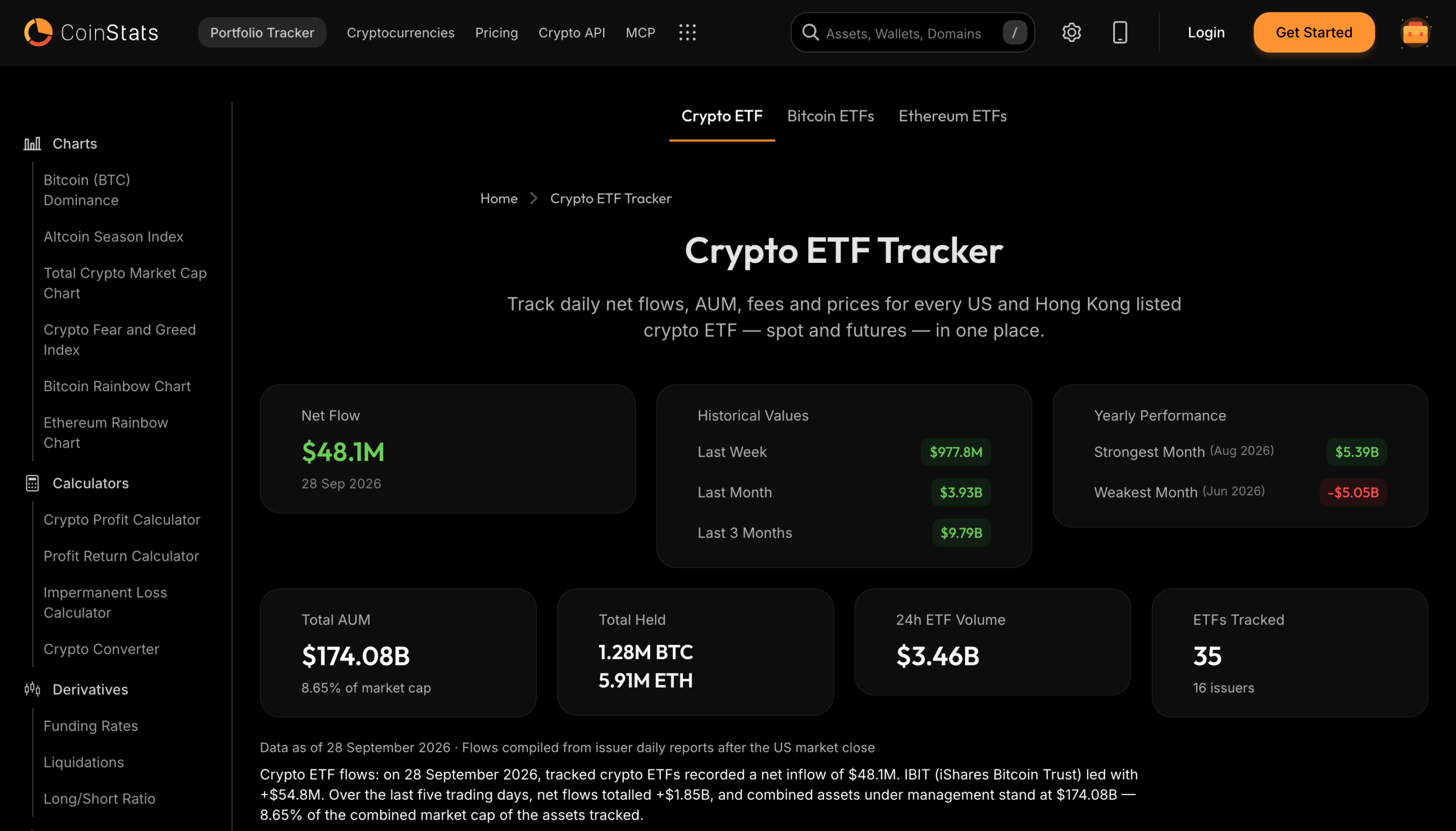
The new Crypto ETF Tracker puts every US and Hong Kong listed Bitcoin and Ethereum ETF in one place, spot and futures. It covers 35 funds from 16 issuers and shows daily net flows, assets under management, how much BTC and ETH the funds hold, fees and trading volume.
ETF flows have become one of the clearest signals of what big money is doing, and until now you had to piece them together from issuer sites. Here you get the day’s net flow at a glance, last week and last month for context, and a short daily summary of who led the flows. Each fund has its own row with its issuer, expense ratio and 30 day flows, and there are dedicated pages for Bitcoin ETFs and Ethereum ETFs.

Read the futures market with Funding Rates, Liquidations and Long/Short Ratio
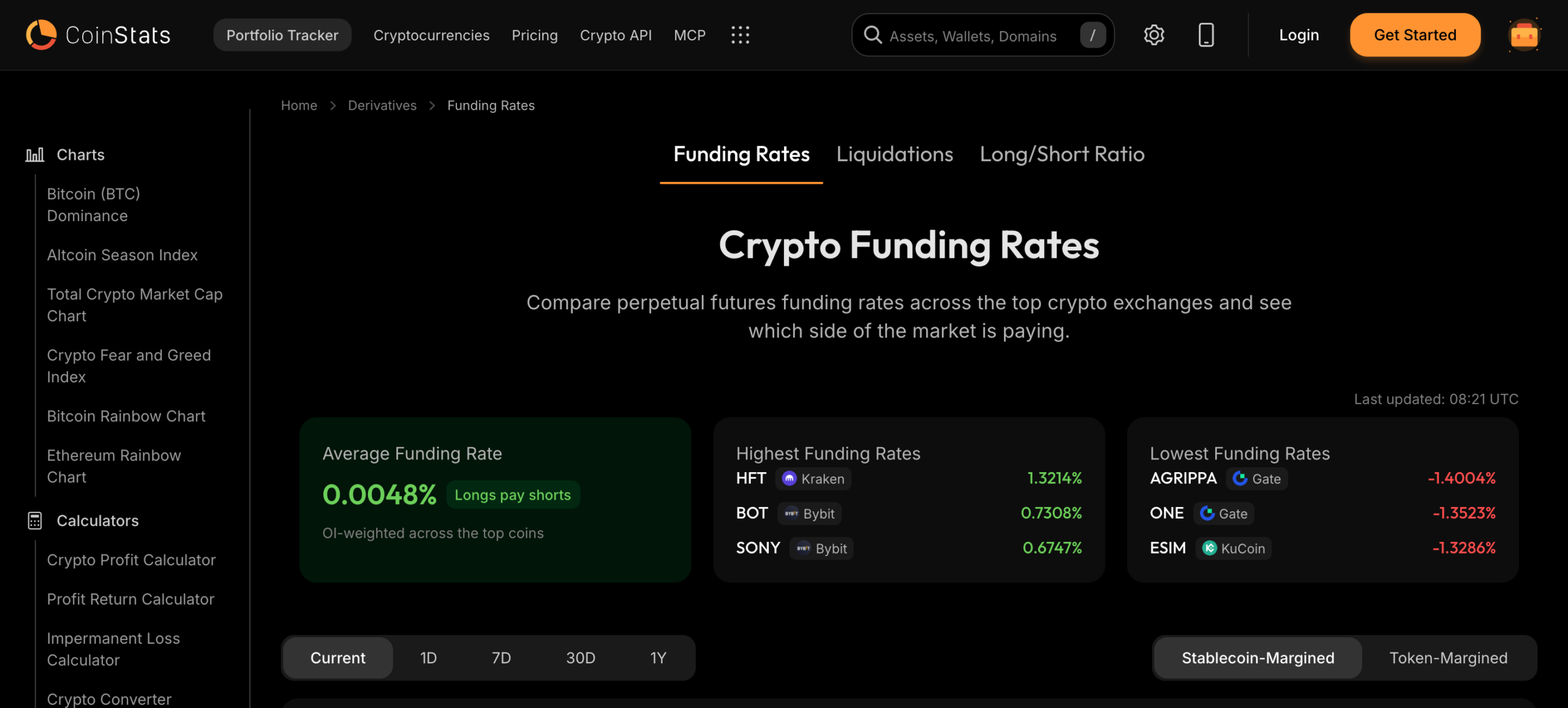
CoinStats now has a Derivatives section with three pages: Funding Rates, Liquidations and Long/Short Ratio. Together they show how traders are positioned in perpetual futures, which often moves before spot prices do.
Funding Rates compares perpetual funding across more than 24 exchanges, including Binance, OKX, Bybit, Hyperliquid and Kraken. You see the average rate weighted by open interest, which side is paying, and the highest and lowest rates right now, with a heatmap and history from 1 day to 1 year. Liquidations shows where positions are being forced closed, and Long/Short Ratio shows how many traders are betting each way. You’ll find all three under Derivatives in the sidebar.
Compare funding rates across exchanges
Real world assets, with their own hub and a home page tab
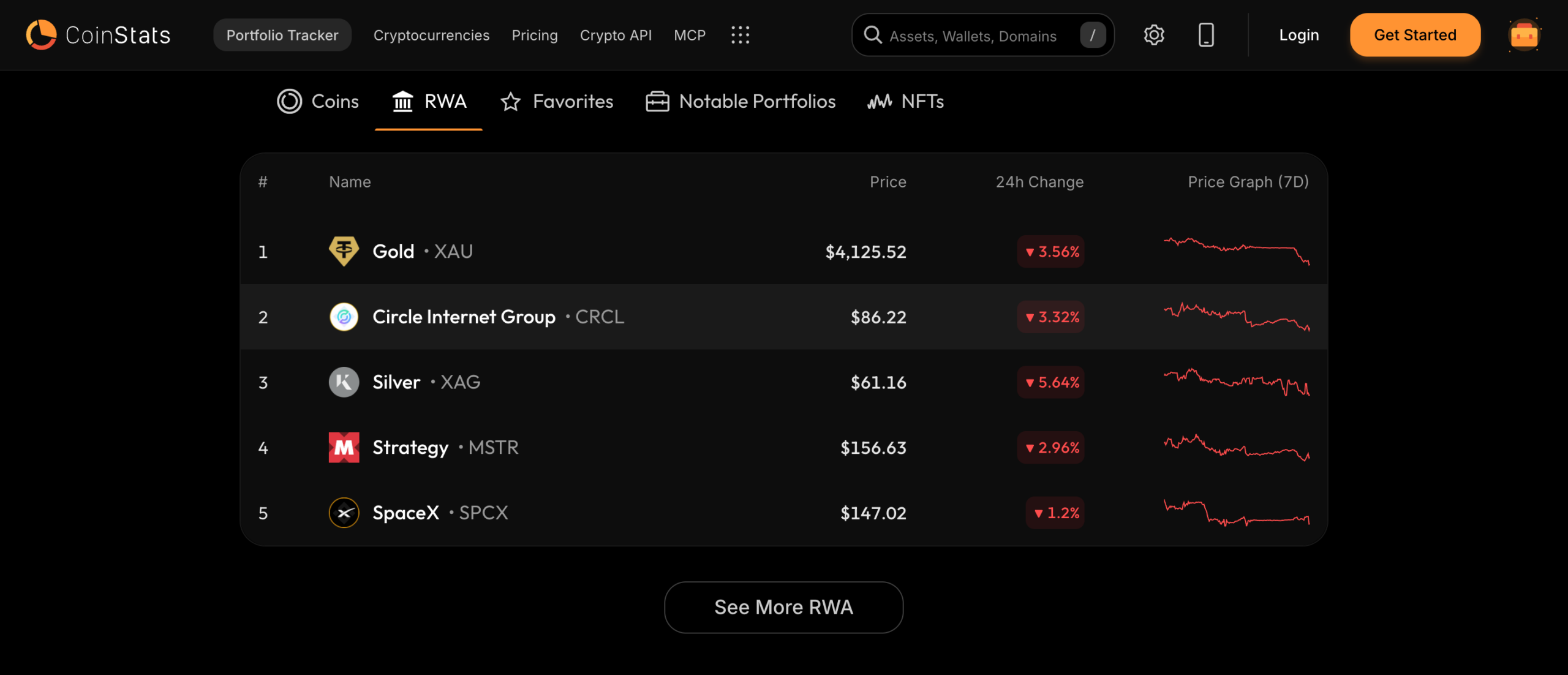
Tokenized real world assets now have a proper home on CoinStats. The new RWA hub lists tokenized gold, silver and shares of companies such as Circle, Strategy and SpaceX, and every asset has its own page with a price chart and markets, laid out like a coin page. Search works as you type.
Later in the month the home page table got an RWA tab, right after Coins, so you can scan the top assets with their price, 24 hour change and seven day graph without leaving the page.
It’s there because a lot of people now hold these next to their crypto and want to check them in the same glance. The tab also appears on Live Prices, and See More RWA takes you to the full hub.
Browse all real world assets on CoinStats
Give your AI assistant live crypto data with CoinStats MCP
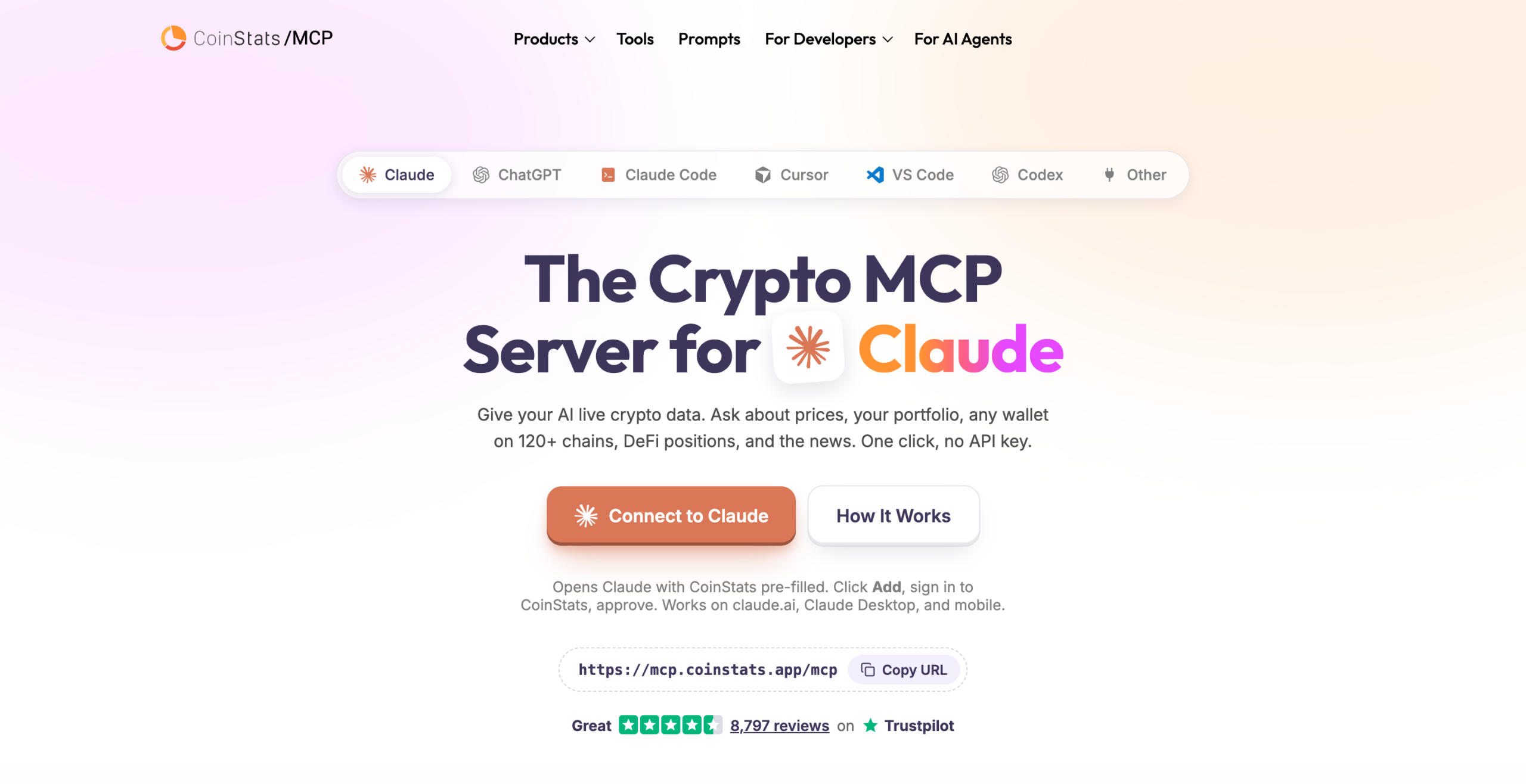
CoinStats now has a hosted MCP server, and a new page that walks you through connecting it. MCP is the standard way AI assistants plug into outside tools. Once it’s connected, you can ask Claude, ChatGPT, Cursor or another assistant about prices, your portfolio, any wallet on more than 120 chains, your DeFi positions and the latest news, and it answers from live CoinStats data.
There’s no API key to manage. You sign in with your CoinStats account in the browser and approve the connection. Claude and Cursor connect in one click, ChatGPT works through a connector in Developer mode, and tools like Claude Code, Codex, VS Code, Windsurf, Cline, Gemini CLI and n8n can use the server address https://mcp.coinstats.app/mcp directly. It comes with 37 tools covering market data, wallets, DeFi, portfolios, exchanges and news.
It’s free with a CoinStats account and it’s read only. Your assistant can look things up, but it can’t sign transactions, place trades or move funds. You’ll also find a new MCP link in the main CoinStats header.
More from September
Beyond the big four, here’s what else landed this month.
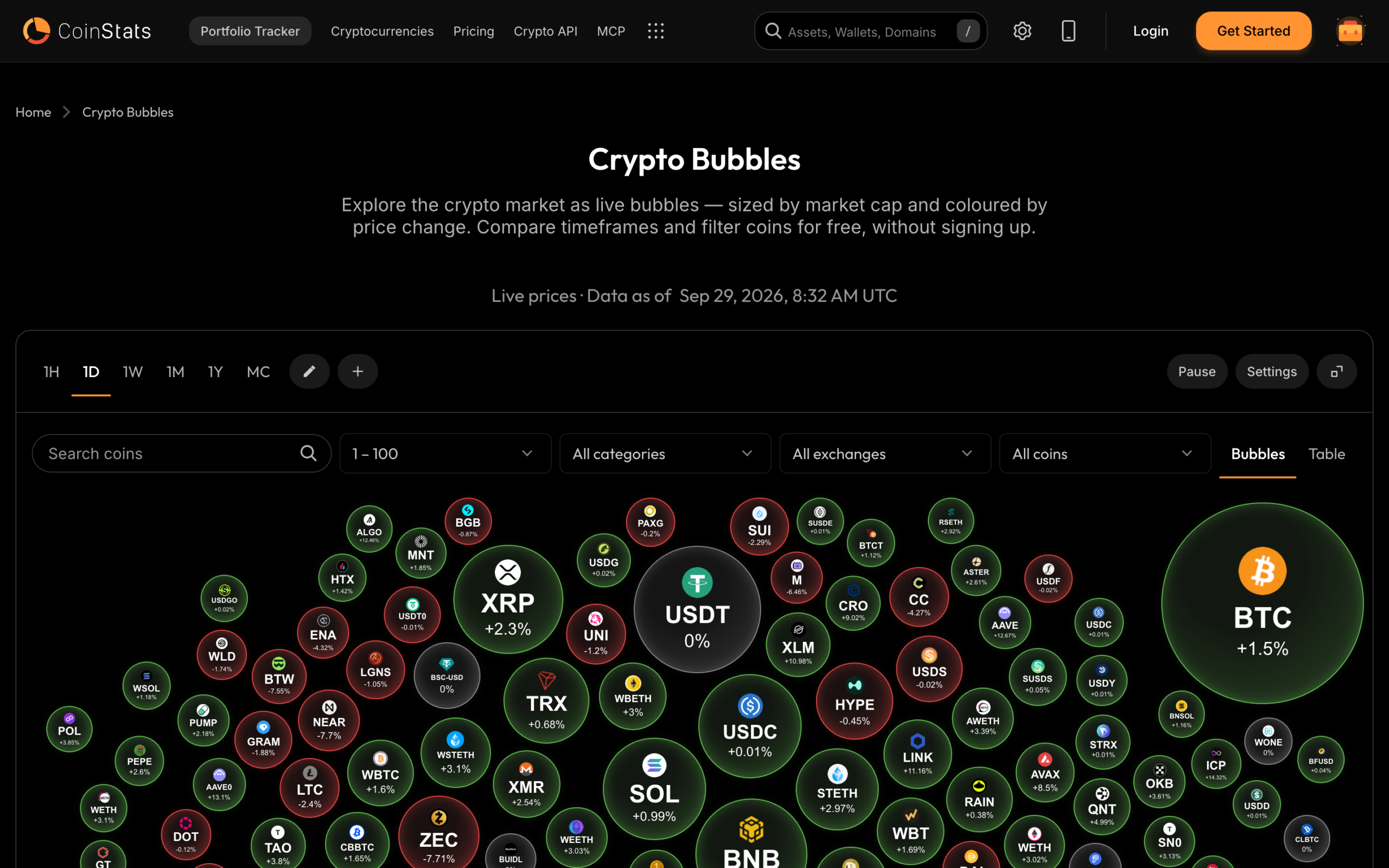
Crypto Bubbles market page: Crypto Bubbles now has a full page of its own, with the day’s movers in full width tables.
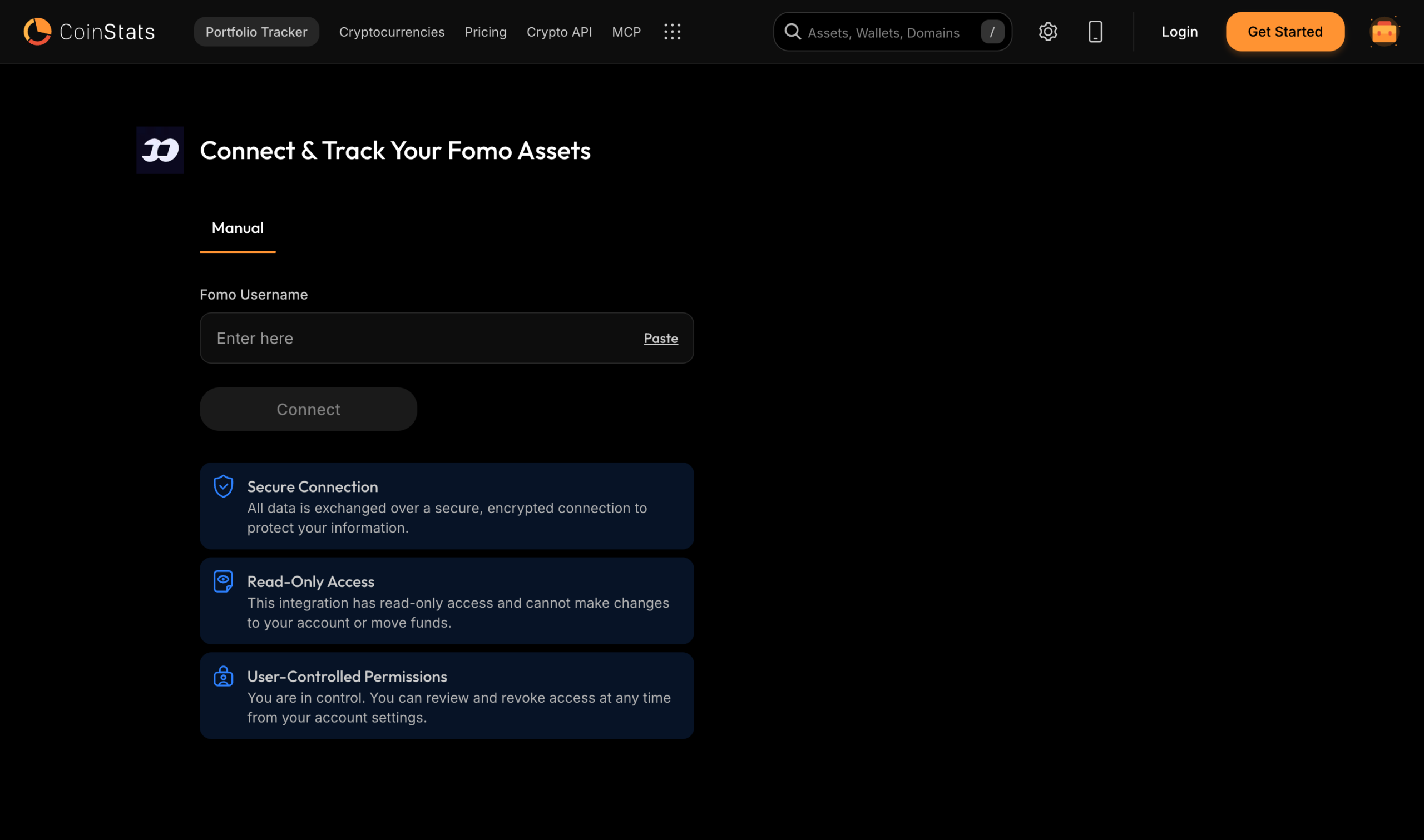
fomo app integration: type your fomo username to track its portfolio, coins and trades in CoinStats.
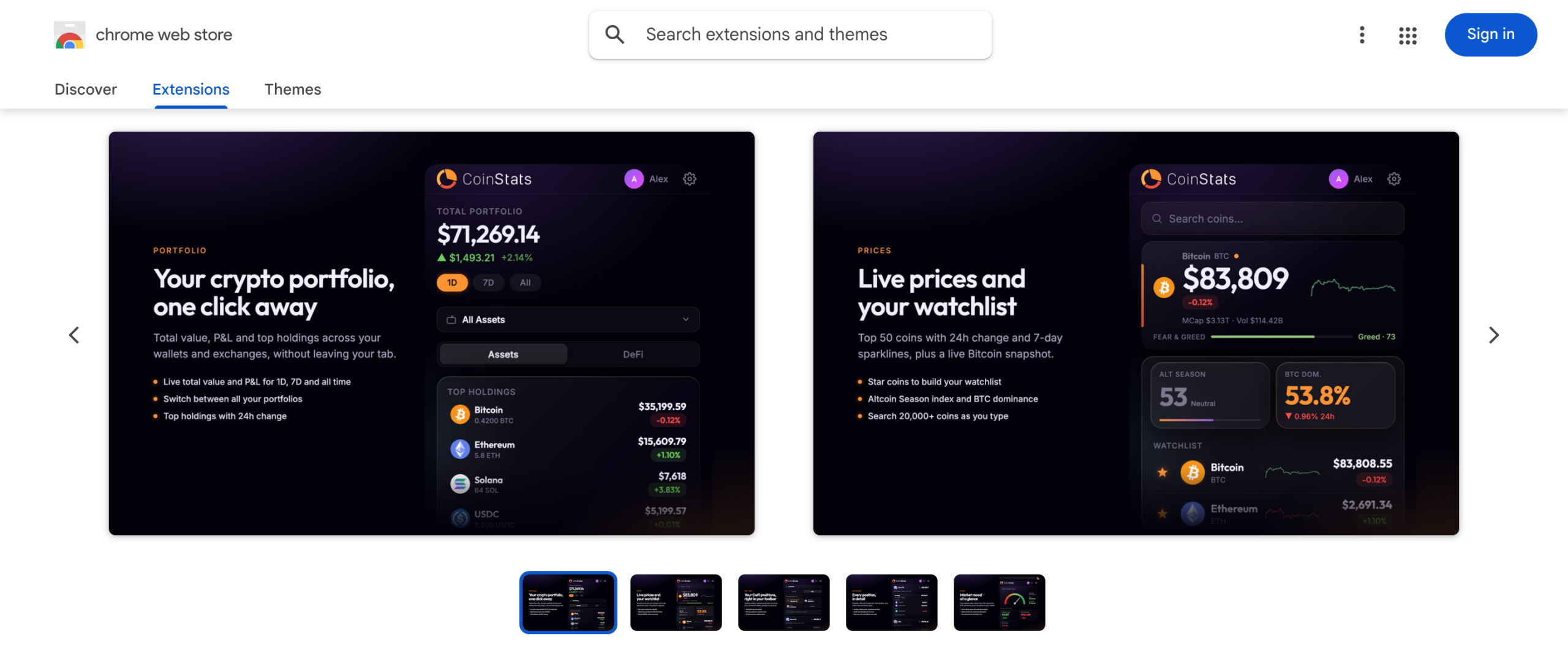
DeFi in the Chrome extension: the Portfolio tab has an Assets and DeFi switch that shows your positions by protocol.
AI price predictions for the top 100: AI Intel now publishes monthly price prediction articles for the top 100 coins, plus a daily Crypto News Today recap.
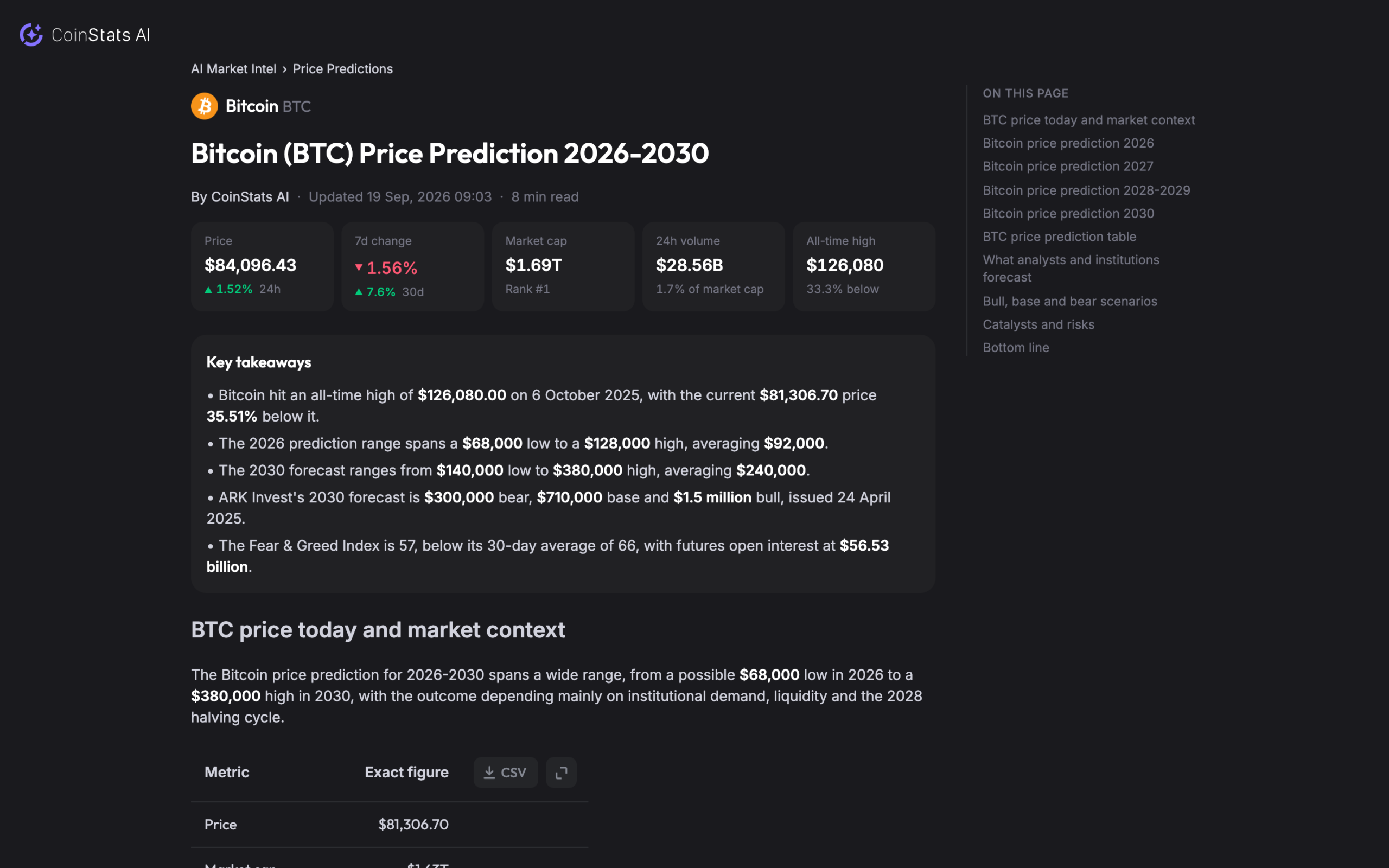
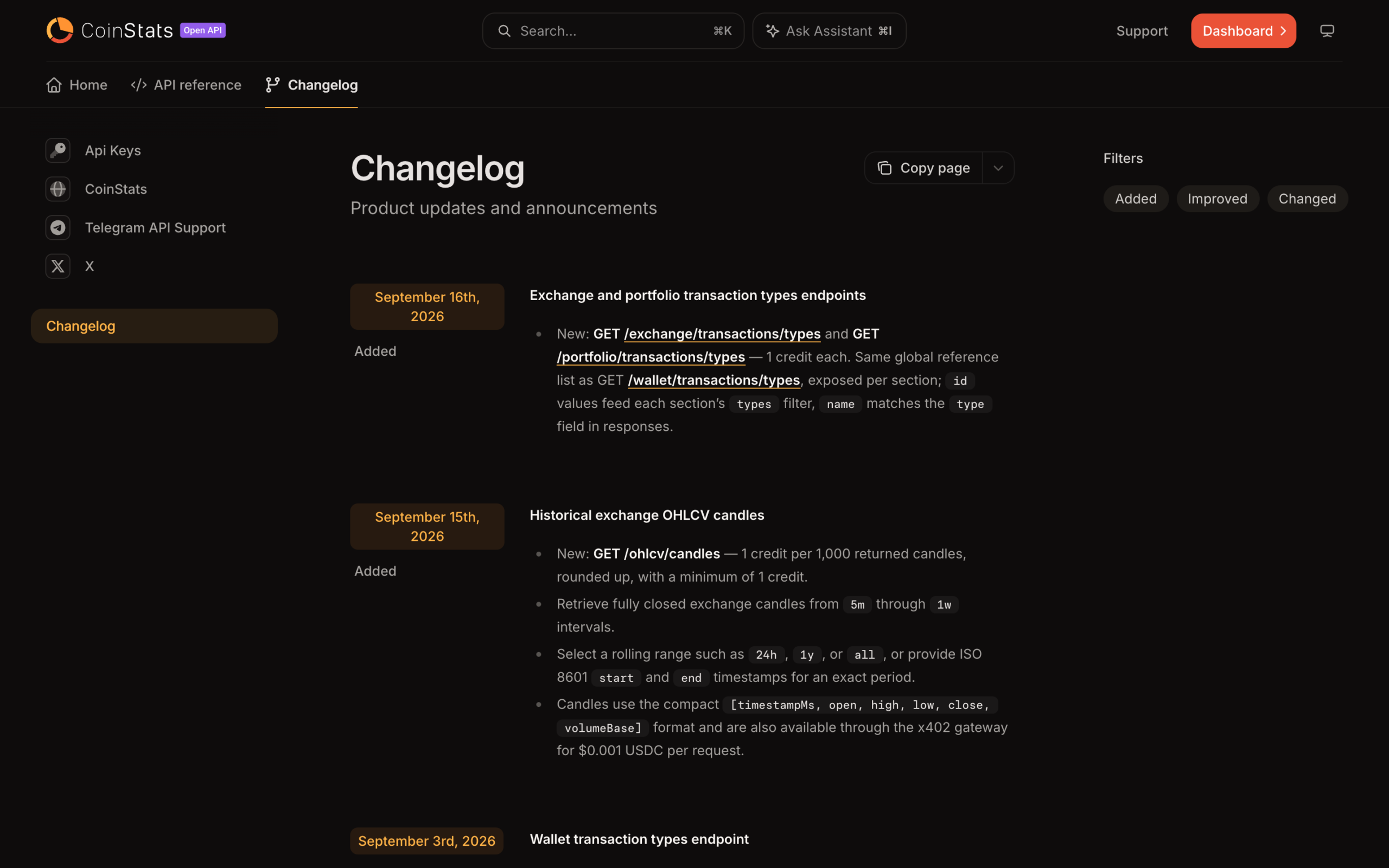
New public API endpoints: developers can pull OHLCV candles, crypto ETF data and transaction types from the CoinStats API.
And a few more:
- Arc chain: connect Arc wallets with full transaction history, and explore Arc in Bubble Maps.
- Perpetuals history on more exchanges: Bybit USDT perpetual positions now sync as complete trades with leverage and funding, MEXC adds partial closes and liquidations, Gate.io adds partial closes, and Lighter imports its full history.
- More DeFi protocols: Save Finance on Solana, Meteora DLMM and DAMM pools, Exponent LP positions and NFT mint yield are now tracked, and Jupiter Lend borrow positions are back.
- Open positions on public address pages: look up a supported wallet and see its open positions and open orders.
- More ways to export: export DeFi positions to CSV from Time Machine, and pick what a Historical Balance export covers, including all coins.
- Subscription status on your profile: see when your trial ends and whether a payment failed.
- Cleaner portfolio totals: spam transactions no longer count toward your portfolio value or its graph.



Be the first to comment